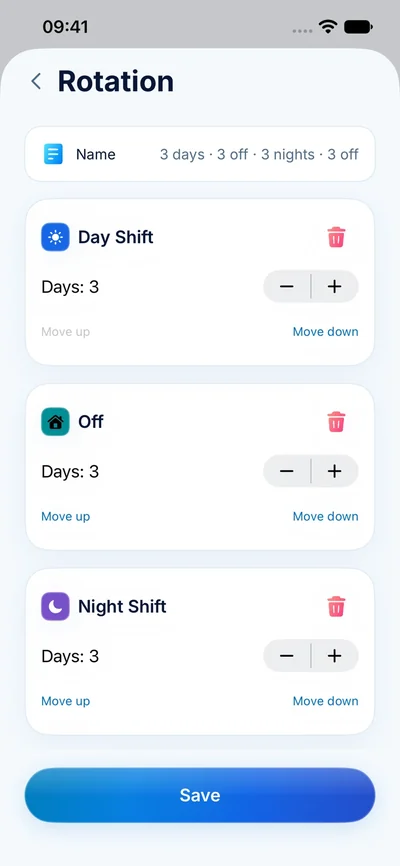
Two ways to reuse a shift
A shift template saves the details of one kind of shift. A rotation saves the order of several days. Use a template when you repeatedly add a 07:00–19:00 day shift on irregular dates. Use a rotation when those day shifts and days off follow a predictable cycle.
For example, a four-on, four-off rotation has eight positions. The cycle continues across weekends and month boundaries; it does not restart just because a new calendar week begins.
Choose the right anchor date
The anchor is the date that matches the first position in your pattern. If your cycle is two day shifts, two night shifts and four days off, pick the date of the first day shift. Starting on the first night shift by mistake moves the whole calendar out of alignment.
- Write the full pattern in order, including every day off.
- Match the first position to a confirmed date on your roster.
- Apply it to the period you want to plan.
- Compare the first cycle and the next month boundary against the roster.
Treat exceptions as exceptions
Overtime, leave and shift swaps can interrupt an otherwise regular pattern. Adjust those dates individually and check the next cycle still starts where expected. Do not permanently change a repeating pattern just to represent a one-off swap.
Use the browser-based rotation calendar generator to understand a pattern before entering it in the app. It produces a simple date list, while ClockPay connects the plan to your shift details and estimated pay.