Choose the export that matches the task
| What you want to do | Format | What to check |
|---|---|---|
| Review earnings estimates in a spreadsheet | CSV | Date range, decimal format and currency |
| Add shifts to a compatible calendar | ICS | Dates, times and overnight events |
CSV is a table of values. ICS describes calendar events. A CSV report is not a calendar subscription, and an ICS file is not a payroll report.
Review before you share
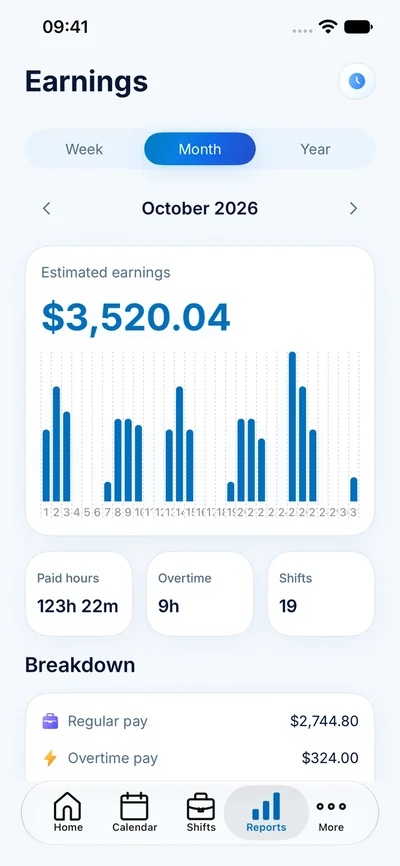
Select the period you need, check the shifts behind the totals and make sure the recipient understands that earnings are estimates. A month can include planned shifts that have not happened yet. A payroll period can start or end in the middle of that month.
When opening a CSV, check a date and a decimal value before using a formula. Spreadsheet applications can interpret separators and dates differently. Retain the original export as a reference and make changes in a working copy.
A calendar file is a snapshot
After importing an ICS file, verify a day shift and an overnight shift in the destination calendar. A file export does not promise ongoing synchronization. If you change a shift in ClockPay, the copy you imported earlier may still show the old time.
Repeated imports can create duplicate events in some calendar applications. A separate calendar for work shifts can make it easier to review or replace an old import. Follow the destination calendar’s own import instructions.