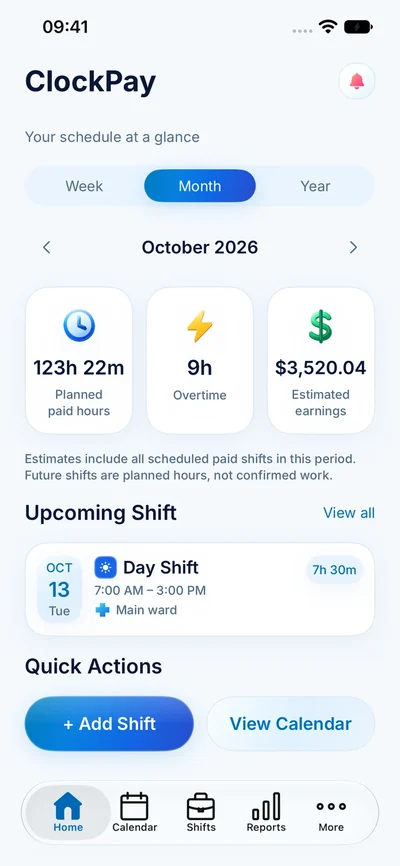
Start with the rules that apply to you
Set your currency and choose the hourly or monthly salary arrangement that fits your job. Then review the overtime, night, weekend and holiday settings you actually use. Your employment agreement and employer records are the source for those settings; the app does not determine which rules apply.
For hourly work, a useful first check is paid hours multiplied by the base hourly rate. Premiums may change the total. Monthly salary arrangements need a different interpretation: dividing a salary by this month’s hours can be a useful comparison, but it does not turn every extra hour into an extra payment.
Check an estimate in layers
- Check the dates in the reporting period.
- Check shift start and finish times and unpaid breaks.
- Confirm the base rate and currency.
- Review which hours qualify for each premium or overtime rule.
- Compare the estimate with actual hours before comparing it with a payslip.
For a simple illustration, 7.5 paid hours at 20 per hour gives 150 before premiums and deductions. The pay calculator shows the arithmetic for one base rate and one overtime multiplier.
An estimate is a planning number
Planned shifts can be cancelled, extended or swapped. Taxes, deductions, reimbursements and payroll adjustments can change the amount paid. ClockPay’s estimate is useful for understanding your schedule, but it is not a final paycheck, tax calculation or payroll service.
When a number looks different from your payslip, compare the reporting dates and paid hours first. Our planned versus worked hours guide explains a practical review process.